
Module 14 · Every plan
Tickets from the till, and a print agent for the network printers.
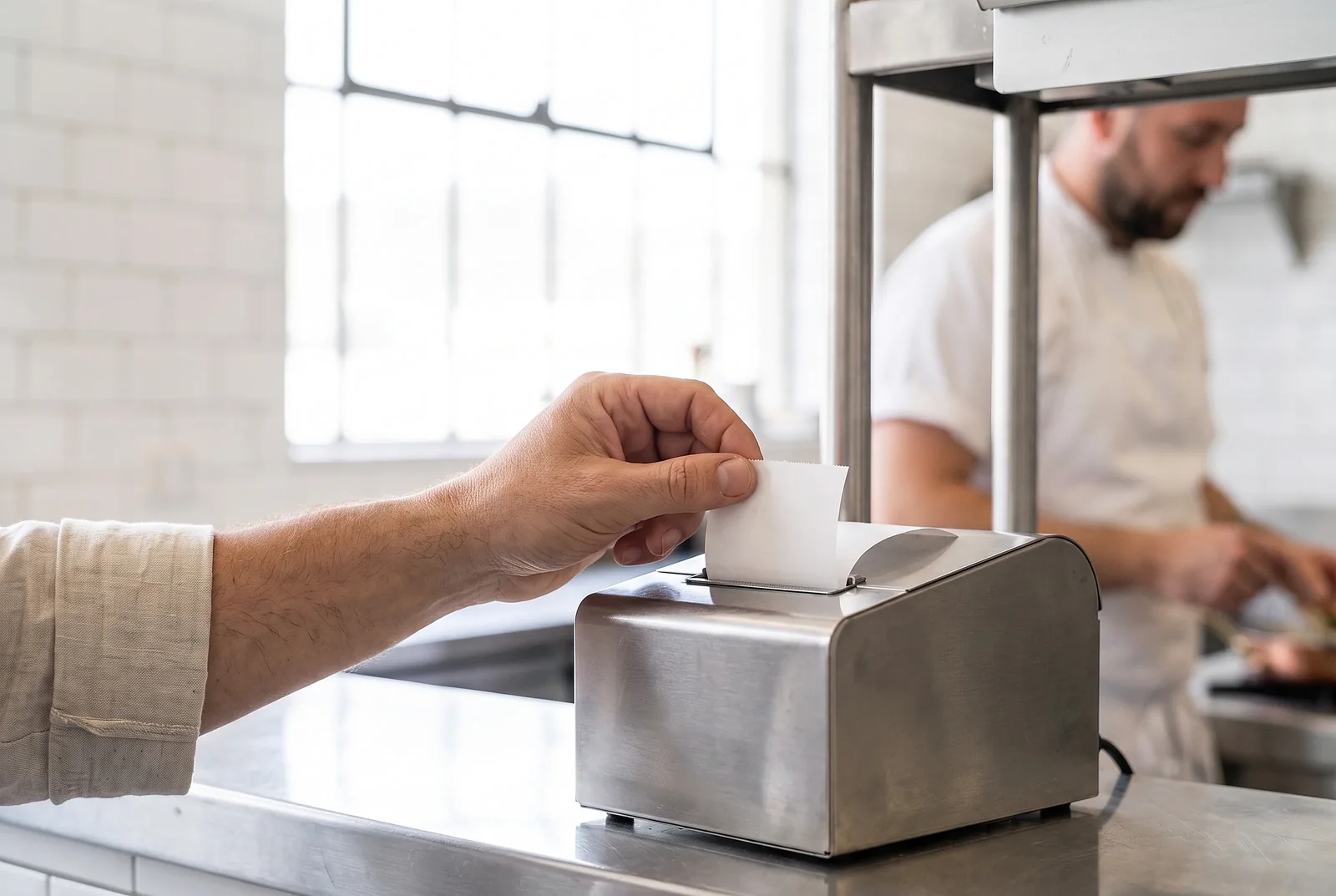
The unglamorous part that decides whether a POS actually works. The till prints its own kitchen tickets and receipts, and a small print agent in the shop drives the network printers for everything else.
What it works with
Printers, and which path prints what.
- Any ESC/POS thermal printer
- Network printers
- USB printers
- Bluetooth printers
- Kitchen tickets, one per station
- Receipts
- Over WebUSB, in Chrome
- Over Web Bluetooth, in Chrome
- Through the browser’s print sheet
- Network printers on port 9100
- Invoice reprints
- X and Z reports
- Kiosk and delivery platform orders
- The cash drawer
What is in it
Printing, feature by feature.
Receipts can print their headings in Arabic beside the English, and the slip is titled tax invoice or invoice by the outlet's own VAT registration.
From the till, three ways
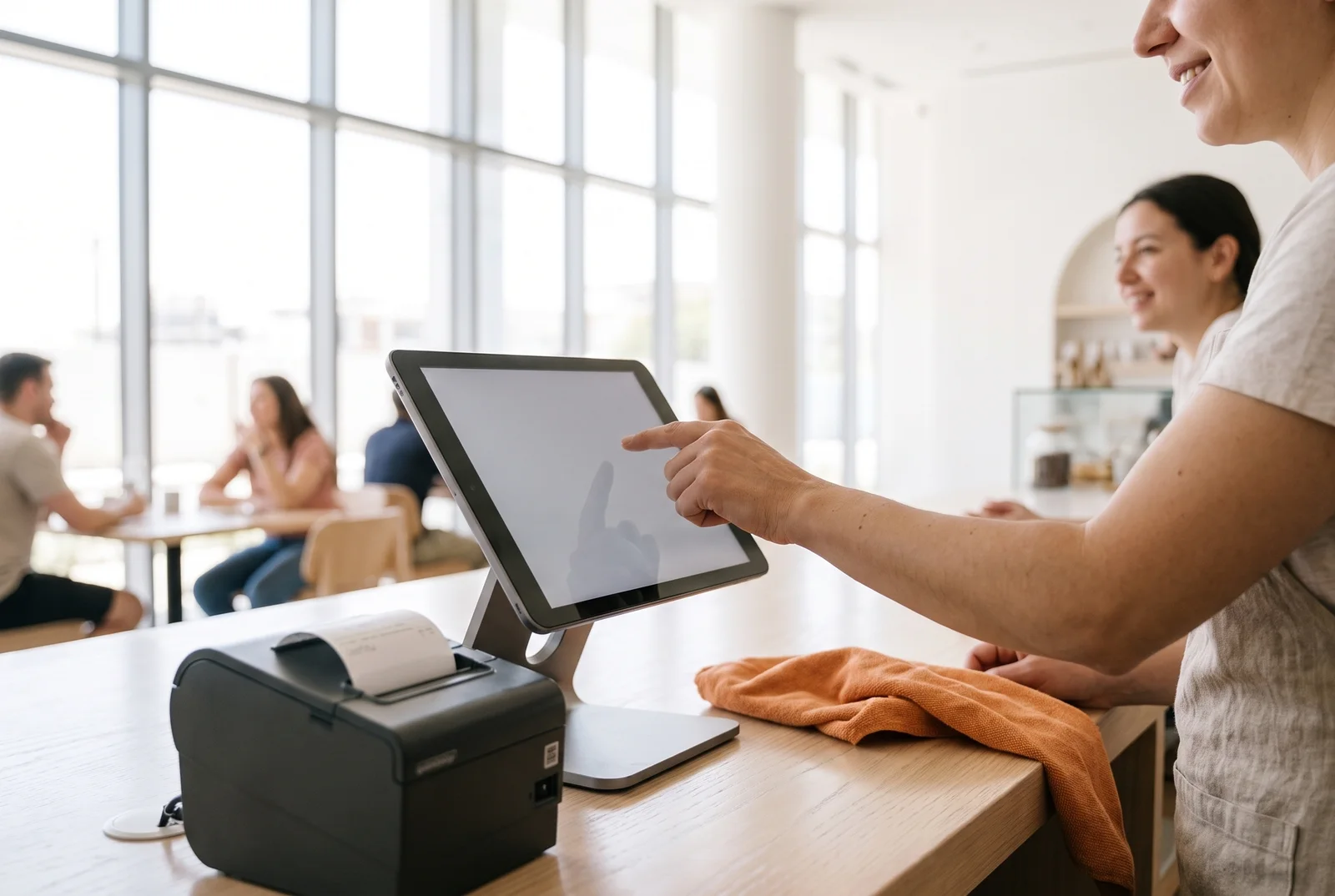
Kitchen tickets and receipts print straight from the till over USB or Bluetooth in Chrome, or through the browser’s own print sheet on any device.
What the agent prints
Invoice reprints, X and Z reports, kiosk orders and delivery platform orders, and it opens the cash drawer.
One ticket per station
Each kitchen station gets its own ticket with only its own lines, so the shisha order never lands on the grill.
The print agent
A small, dependency-free agent on any machine in the shop drives network printers on port 9100.
Print queue
Agent jobs, their attempts and failures are visible, so a dead printer is a known fact rather than a missing ticket.
Print queueOffline too
The slip is built on the device, so a ticket still prints with no network over USB, Bluetooth or the print sheet. Network printers need the internet.
Offline tooLive template preview
Edit the header, the labels and the toggles, and watch a real slip redraw beside you.
A preset for every slip
Invoice, invoice copy, credit note, kitchen ticket, bar ticket and sticker label, plus A4 templates for the tax invoice and the catering and venue documents, each with a preview of exactly what will print.
Your logo, printed
The logo prints as an image on thermal receipts, under a header and above a footer you write, with placeholders such as {outlet}, {table} and {invoice_no}.
QR codes that show their address
One or two QR codes side by side with captions: reviews, maps, social pages, a WhatsApp chat, the delivery apps, your website or menu. The web address prints under each one, so a guest sees where it goes.
Save as PDF
Every A4 document, from catering and venue papers to business invoices and purchase orders, saves as a PDF in one tap, with a sensible file name.
A receipt as an image
Share the receipt exactly as it prints, logo and QR codes included, to WhatsApp, AirDrop or Mail from a phone or iPad, or download it on a computer. It counts as a reprint and is marked Copy.
How it works
From the till, or through the agent.
Before you believe it
The two questions everyone asks.
Do we need special printers?
Any ESC/POS thermal printer. The till prints over USB or Bluetooth in Chrome, or through the browser’s print window on any device, and network printers are driven by the print agent on a spare machine in the outlet.
Can shisha go to a different printer from food?
Yes. Each item or category belongs to a kitchen station, and each station gets its own ticket.

Pricing
One price per outlet. No cut of your sales.
Plans from AED 149 per outlet per month on a 2-year term. Thirty days free, no card.
See pricingThirty days free
Switch printing on before your trial starts.
No card. No call unless you want one. Every module, every plan, for a month.